
Skip to content

How do you assign more than one evaluator to an employee?

Please visit Persons tab and click on edit profile to add or update multiple evaluators as their downward evaluators, peer evaluators and upward evaluators. The same can be set up by exporting the perons data, updating evaluators for various employees and importing the file using the Import option available on the upper right corner of the page.

You may also choose specific evaluators per result area. This way specific areas of the job are evaluated by specific people.

Speak with our support team for assistance. Click here to schedule a call.

Related videos

Setting up your team for evaluations via CSV imports

The quickest and easiest way to import persons and teams in the system is through a CSV import. Learn more at www.assessteam.com Visit the Integration tab under Settings and click Import from …

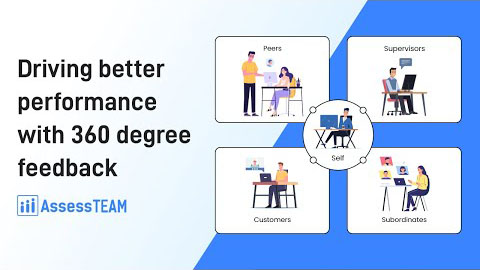
Driving better performance with 360-degree feedback

360-degree feedback is a benchmark tool for assessing the performance of employees in an organization. Learn more at www.assessteam.com Let’s begin with processing a 360-degree review for one…

Menu